
June 25, 2026
Seedance 2.5 Price Guide: Plans, Credits, Real Cost, and Best-Value Tier
Key Takeaways
- Seedance 2.5 pricing starts at $14.90/month when billed yearly for the Lite plan.
- The main pricing model is credit-based, so the real cost depends on how many videos, images, and regenerations are needed.
- Paid plans include commercial usage rights, private generation, no watermark, AI image generation, and customer support.
- The best value for most serious creators is usually the Pro plan, because it lowers the effective credit cost and increases concurrency.
- The biggest pricing pitfall is buying too small a plan, then burning credits through prompt testing, failed generations, and multiple revisions.
Seedance 2.5 Price Overview
Seedance 2.5 uses a subscription-plus-credit model for AI video generation. Instead of charging only by month, each plan provides a monthly credit allowance. Those credits are consumed when users generate or revise AI videos and related creative assets.
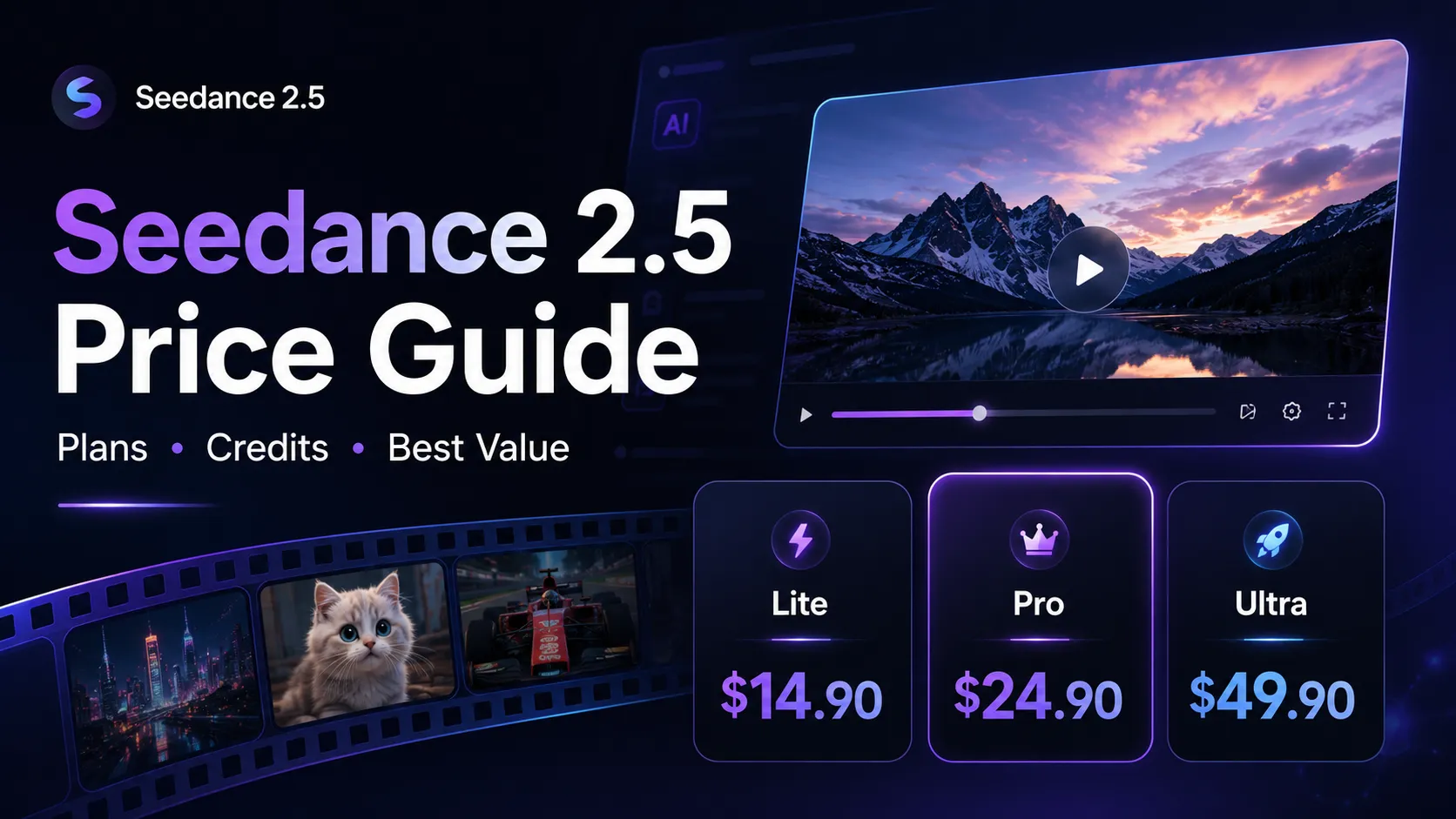
As of the latest public pricing page, Seedance 2.5 lists three main paid plans:
| Plan | Discounted Yearly Price | Annual Billing | Credits / Month | Effective Credit Cost | Best For |
|---|---|---|---|---|---|
| Lite | $14.90/month | $178.80/year | 600 | $0.025 / credit | Light testing and casual creators |
| Pro | $24.90/month | $298.80/year | 1,500 | $0.017 / credit | Regular content creators and small teams |
| Ultra | $49.90/month | $598.80/year | 4,400 | $0.011 / credit | High-volume production workflows |
The headline takeaway is simple: the higher the plan, the cheaper each credit becomes. Lite is the lowest entry point, Pro is the most balanced option, and Ultra is designed for users who need volume.
How Seedance 2.5 Pricing Works
Seedance 2.5 pricing is not just about the monthly subscription number. The more important metric is the cost per usable output.
AI video tools often require multiple attempts before the final clip is good enough to publish. A creator may generate several versions to improve:
- Camera movement
- Character consistency
- Product positioning
- Facial expression
- Lighting and scene composition
- Motion quality
- Audio or scene timing
- Aspect ratio and framing
That means the real price of Seedance 2.5 depends on the full creative loop, not just the first generation.
A simple cost model looks like this:
text Real cost per finished video = Plan cost / Number of publishable videos created
For example, if a user pays $24.90/month for Pro and produces 25 usable videos, the subscription cost per finished video is about $1.00 before accounting for extra credit packs or unused credits.
Lite Plan: Best for Testing Seedance 2.5
The Lite plan is the cheapest paid Seedance 2.5 plan. It includes 600 credits per month, commercial licensing, no watermark, private generation, AI image generation, and one concurrent generation task.
Lite works best for:
- First-time users evaluating Seedance 2.5
- Solo creators making occasional AI videos
- Small experiments with text-to-video or image-to-video prompts
- Users who do not need fast batch production
The main limitation is scale. With only one concurrent generation task, Lite can feel slow for users who need to test many prompt variations quickly.
Best use case: validating whether Seedance 2.5 fits a workflow before upgrading.
Pro Plan: Best Value for Most Creators
The Pro plan is positioned as the most popular option. It includes 1,500 credits per month, priority generation speed, four concurrent generations, commercial licensing, private generation, no watermark, and AI image generation.
Pricing analysis shows why Pro is usually the best-value tier:
- It has 2.5x the credits of Lite.
- It supports 4 concurrent generations instead of 1.
- It lowers the effective credit cost from $0.025 to $0.017.
- It gives creators more room for revisions and experimentation.
For AI video generation, concurrency matters. A user creating ads, Shorts, Reels, or product demos often needs multiple versions of the same concept. Pro makes that workflow much less restrictive than Lite.
Best use case: creators, marketers, YouTubers, TikTok editors, and small teams producing content every week.
Ultra Plan: Best for High-Volume AI Video Production
The Ultra plan includes 4,400 credits per month, the lowest listed credit cost, fastest generation speed, 10 concurrent generations, dedicated support, commercial licensing, private generation, no watermark, and AI image generation.
Ultra makes the most sense when Seedance 2.5 is part of a real production pipeline, not just occasional experimentation.
It is better suited for:
- Agencies producing video variations for clients
- E-commerce stores generating product videos at scale
- Social media teams testing multiple hooks and creatives
- AI content studios creating daily short-form videos
- Performance marketers producing ad variants
The strongest reason to choose Ultra is not only the credit allowance. It is the combination of lower credit cost, faster generation, and higher concurrency.
Best use case: teams that treat AI video generation as a repeatable production system.
Monthly vs Yearly Pricing: What to Watch
Seedance 2.5 promotes a discounted yearly billing model. The public pricing page shows annual billing discounts of up to 50%, with yearly totals listed for each plan.
This creates an important buying decision:
- Choose monthly billing if the project is temporary or experimental.
- Choose yearly billing if Seedance 2.5 is already part of a consistent content workflow.
The yearly plan lowers the monthly equivalent price, but it also increases commitment. For new users, the safer path is often to start with a smaller plan, measure credit burn, then upgrade once usage becomes predictable.
What Is Included in Paid Plans
Seedance 2.5 paid plans include more than raw credits. The key included features are:
- Commercial license for generated content
- No watermark on exports
- Private generation
- AI image generation
- Access to top AI video models in one place
- Customer support
- Concurrent generation capacity, depending on plan
- Discounted Seedance 2.5 video generation credits
For business users, the commercial license and watermark-free output are especially important. A cheap AI video plan is less useful if the output cannot be used in ads, client work, product pages, or monetized content.
The Real Cost of Seedance 2.5: Credits, Revisions, and Failed Attempts
The most common mistake is calculating Seedance 2.5 price as if every generation becomes a final video.
In practice, AI video generation usually requires iteration. One prompt may produce a good composition but weak motion. Another may fix motion but create inconsistent characters. A third may improve style but need better framing.
That is why serious users should budget credits for:
- Initial generation
- Prompt refinement
- Style testing
- Aspect ratio changes
- Image-to-video variations
- Regenerating weak outputs
- Producing alternate hooks for ads or social posts
A realistic production workflow may require multiple generations per publishable asset. This is why Pro and Ultra can be cheaper in practice, even though their subscription prices are higher.
Which Seedance 2.5 Plan Should You Choose?
Choose Lite if the goal is to test Seedance 2.5, create a few videos, or explore the interface without a larger commitment.
Choose Pro if Seedance 2.5 will be used for weekly content production, social media clips, product demos, or ad creatives. For most users, this is the best balance of price, credits, and workflow speed.
Choose Ultra if the workflow involves batch generation, client work, multiple campaigns, or high-volume creative testing.
A practical rule:
text Lite = testing Pro = regular creation Ultra = production scale
Seedance 2.5 Price Compared With Traditional Video Production
Seedance 2.5 is inexpensive compared with traditional video creation, but the comparison should be realistic.
A traditional short product video may require:
- Scriptwriting
- Camera equipment
- Lighting
- Editing software
- Motion graphics
- Voiceover or sound design
- Revisions
Seedance 2.5 compresses much of that workflow into prompt-based generation. This does not mean it replaces every professional video workflow. It is strongest when speed, variation, and low-cost experimentation matter more than frame-perfect manual control.
The strongest use cases are:
- Short-form social clips
- Product concept videos
- Ad creative testing
- Landing page hero videos
- Educational explainers
- Mood boards and pitch visuals
- Fast visual prototypes
For polished brand films, long-form storytelling, or heavily controlled commercial shoots, traditional editing and production tools may still be necessary.
Common Pricing Pitfalls
1. Ignoring Credit Burn
The listed subscription price can look cheap, but credit usage grows quickly when users regenerate clips several times. Always estimate how many attempts are needed per finished video.
2. Choosing Lite for Team Workflows
Lite has only one concurrent generation task. That can become a bottleneck if multiple videos, formats, or campaign variations are needed.
3. Overlooking Commercial Rights
For creators and businesses, commercial licensing matters as much as price. Paid Seedance 2.5 plans include commercial usage rights, making them more practical for monetized content and client work.
4. Confusing Output Claims
Seedance 2.5 marketing highlights 4K cinematic video generation, while pricing cards may describe specific plan output limits. Users who need a specific export resolution should confirm the final plan details before purchase.
5. Forgetting About Revision Time
The cheapest plan is not always the cheapest workflow. Faster generation and more concurrent tasks can save time, especially for creators producing multiple assets per week.
Advanced Tips to Get More Value From Seedance 2.5 Credits
Use Stronger Prompts Before Generating
Better prompts reduce wasted credits. A strong AI video prompt usually includes:
- Subject
- Scene
- Camera movement
- Lighting
- Style
- Mood
- Aspect ratio
- Motion details
- Negative constraints
Example:
text A luxury skincare bottle on wet black stone, slow cinematic dolly-in, soft studio lighting, shallow depth of field, water droplets, premium commercial style, vertical 9:16, no text, no distorted label
Start With Low-Risk Concepts
Before generating many variations, define the creative direction clearly. This avoids wasting credits on vague ideas.
Batch Similar Variations
For ads and social content, create multiple versions of the same concept by changing only one variable at a time:
- Hook
- Product angle
- Background
- Camera motion
- Lighting
- Character action
This makes it easier to identify what improves the final result.
Use Image References When Brand Consistency Matters
Image-to-video workflows are often more predictable than pure text-to-video prompts. For product videos, using a reference image can help maintain visual identity.
Track Cost Per Published Asset
The most useful metric is not monthly price. It is:
text Cost per published asset = Monthly plan cost / Number of assets actually used
This metric reveals whether Lite, Pro, or Ultra is the better plan for a specific workflow.
Seedance 2.5 Price FAQ
How much does Seedance 2.5 cost?
Seedance 2.5 paid pricing starts at $14.90/month when billed yearly for the Lite plan. Pro is listed at $24.90/month when billed yearly, and Ultra is listed at $49.90/month when billed yearly.
Is Seedance 2.5 free?
Seedance 2.5 offers a free starting option for initial use. Paid plans unlock more credits, watermark-free output, private generation, commercial usage rights, and higher production capacity.
What is the best Seedance 2.5 plan?
For most regular creators, Pro offers the best balance. It includes more credits than Lite, lower effective credit cost, priority generation speed, and four concurrent generations.
Is Seedance 2.5 worth the price?
Seedance 2.5 is most worth it for users who need frequent short-form videos, product demos, social clips, or ad variations. It is less compelling for users who only need one or two videos and do not plan to iterate.
Does Seedance 2.5 include commercial rights?
Yes. Paid plans list commercial licensing as an included feature, which is important for business, agency, and monetized creator workflows.
Why does the credit price matter?
Credit price determines the long-term cost of generation. Ultra has the lowest listed credit cost, while Lite has the highest. Heavy users usually get better value from higher tiers.
Conclusion
Seedance 2.5 pricing is best understood through credits, not just monthly fees. The Lite plan is the lowest-cost entry point, Pro is the most practical choice for regular creators, and Ultra is built for teams or high-volume AI video production.
For most users searching for the best Seedance 2.5 price, the smartest approach is to start with the plan that matches expected output volume, then track the real cost per finished video. If Seedance 2.5 becomes part of a weekly content or ad workflow, upgrading from Lite to Pro can often deliver better value than trying to stretch a smaller credit allowance.
Ready to compare plans? Visit the official Seedance 2.5 pricing page and choose the tier based on monthly credit needs, concurrency requirements, and commercial usage goals.